
Laya: Self-Hosted Decision Model Cost and Setup
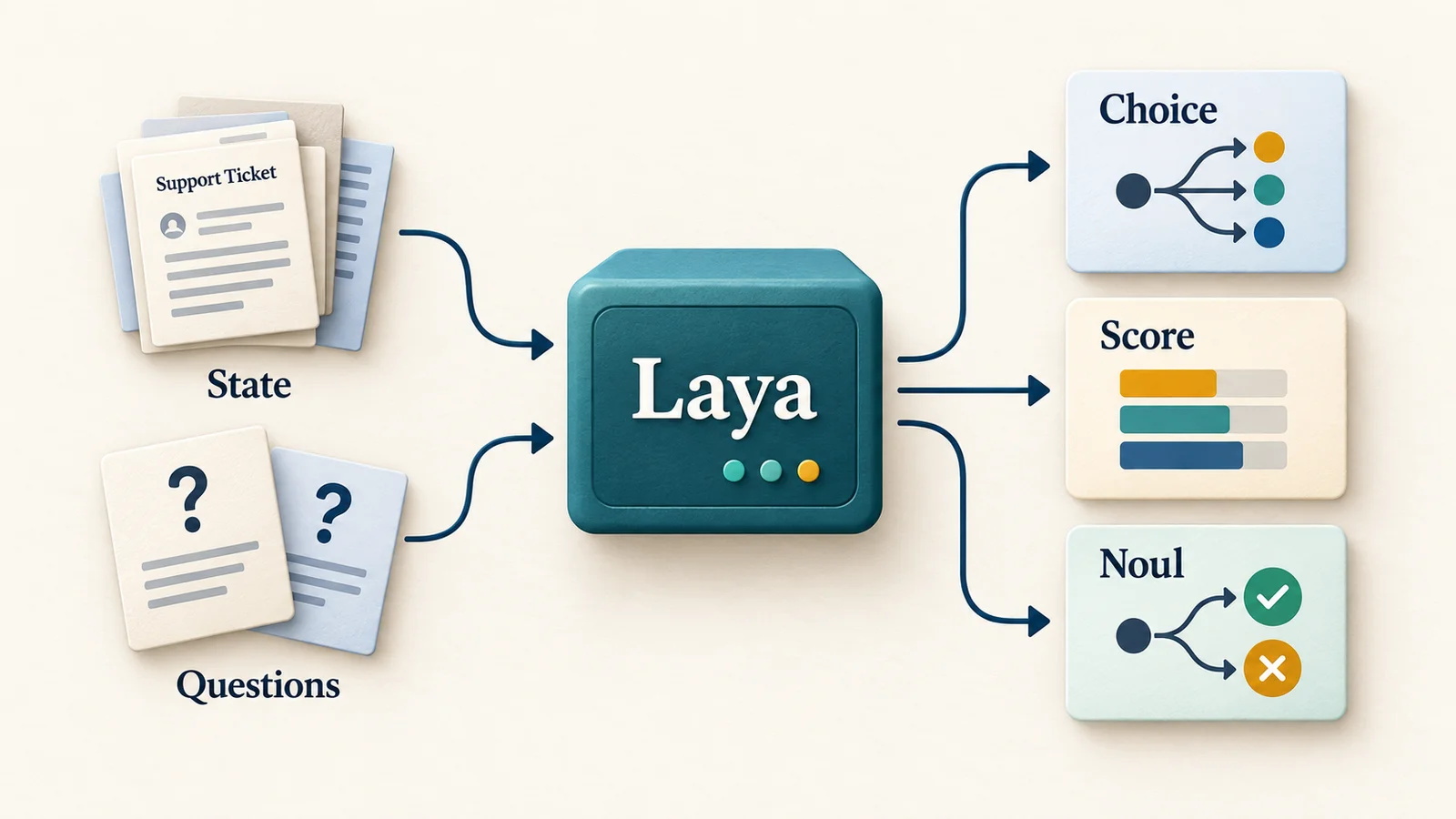
Laya is an Apache-2.0 open-weight decision-model family from Convai Innovations. It turns text or structured state into choices, scores and yes/no probabilities in a forward pass, instead of generating a chat response. Use it for repeated judgments such as ticket routing or document triage when you want to run inference in your own environment. This guide covers checkpoint selection, local and hosted trials, self-hosting costs and the tradeoffs against TypeSafe Jev.
Content reviewed:
Use this model
Official model repository
- Get Laya on Hugging Face
Model card, downloads and license conditions.
Local tools and guides
- Laya installation and platform-specific setup
Follow the tool’s installation and hardware requirements.
- ComfyUI-Laya wiring, calibration observations and lazy-input requirement
Follow the tool’s installation and hardware requirements.
What can the Laya model decide?
- Choice: route a support ticket to billing, technical support or another team. Supply the allowed labels and short descriptions so the decision maps directly to an application action.
- Score: rate urgency against an ordered set of criteria. Define the endpoints of the scale and evaluate the resulting scores before using them to prioritize a queue.
- Noul: estimate a yes/no probability, such as whether an email explicitly asks for a refund. Choose the action threshold from labeled examples and the cost of a wrong decision.
Which Laya checkpoint should you use?
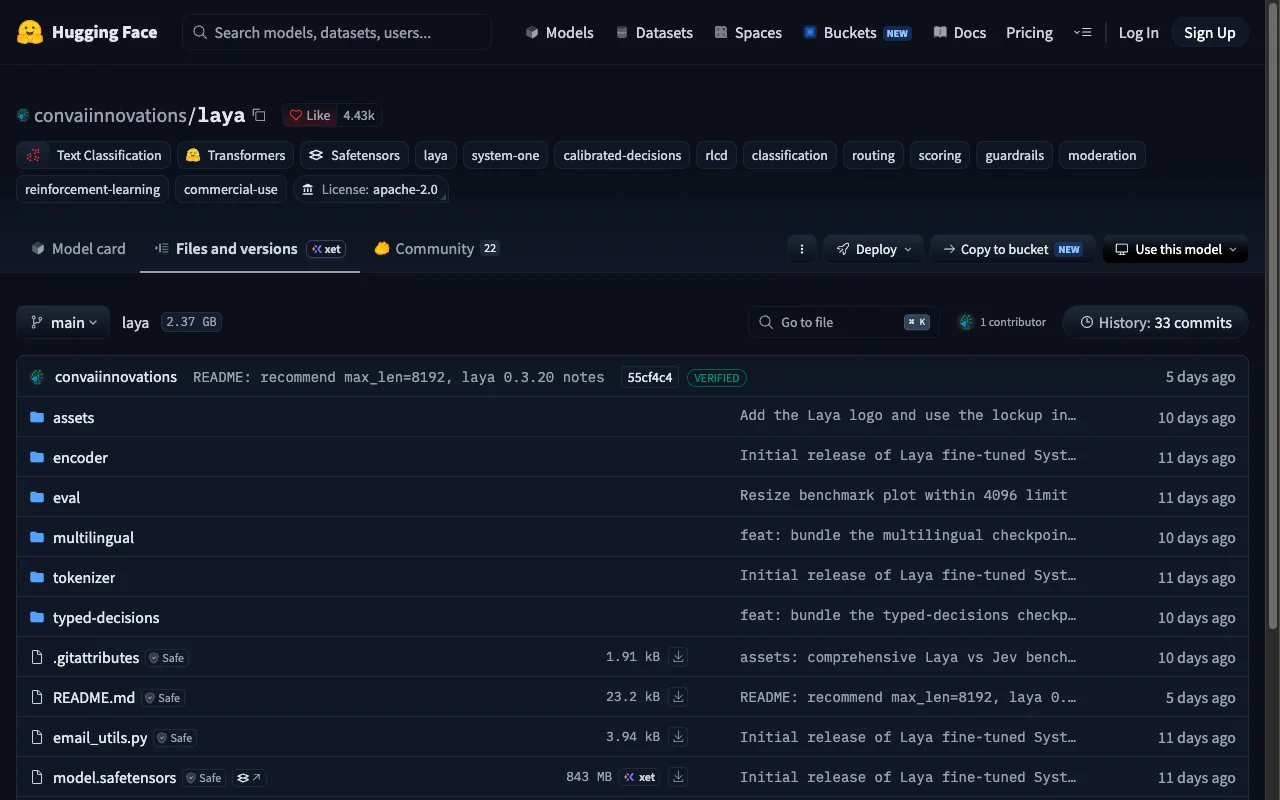
The main Laya repository on Hugging Face links to all three checkpoints. They differ in training and default input length, as shown below.
Start with English for English triage, or use Router to select the multilingual checkpoint for non-English input. Select typed-decisions explicitly when evaluating the specialized workflows.
The multilingual encoder can be configured with max_len=8192. The project’s small long-document test becomes more variable beyond roughly 4,000 tokens. For long documents, explicitly select multilingual and test the relevant information positions; the default 1,024-token setting can cut input off.
| Checkpoint | Backbone / parameters | Default context | Starting use |
|---|---|---|---|
| convaiinnovations/laya | ModernBERT-large / 421M | 512 tokens | English text, guardrails and email triage |
| convaiinnovations/laya-multilingual | mmBERT-base / 322M | 1,024 tokens | Multilingual decisions; publisher describes support for 100+ languages |
| convaiinnovations/laya-typed-decisions | ModernBERT-large / 421M | 1,024 tokens | Specialized typed-decision workflows |
Run Laya locally: your first decision
Install the laya Python package in a virtual environment with Python 3.10 or newer. The examples below use runtime version 0.3.21, released September 27, 2026.
Router downloads a checkpoint on first use. The default lazy-loading path is useful for a first trial; preloading trades startup time and memory for avoiding a load during a request. CPU inference is supported, while GPU and optional ONNX or fast-path configurations have their own setup and performance characteristics.
Save the Python below as try_laya.py after installing the package, then run python try_laya.py. It prints the returned answers and selected checkpoint. Inspect those values against your expected category and refund judgment before connecting the result to an automatic action.
from laya import Router

router = Router()
state = "Our March invoice was charged twice. Please refund the duplicate."
questions = {
    "team": {
        "type": "choice",
        "instructions": "Which team should handle this ticket?",
        "criteria": {
            "billing": "invoices, payments and refunds",
            "technical": "bugs and service outages",
            "other": "requests outside these teams",
        },
    },
    "refund_requested": {
        "type": "noul",
        "instructions": "Does the customer explicitly request a refund?",
    },
}
result = router.predict(state, questions)
print(result["answers"])
print(result["routing"]["model"])Expose a Jev-compatible Laya API
The laya-serve command exposes POST /v1/systemone with the same style of state, questions and typed answers as Jev. An existing client can point its base URL at your server, but run contract and quality tests before migrating traffic. The confidence fields have different meanings, so existing thresholds need to be evaluated again.
This local example binds to 127.0.0.1. The server otherwise defaults to 0.0.0.0, and authentication is enabled only when LAYA_API_KEY is configured. Before exposing it beyond your machine, set that variable and protect the endpoint with TLS and appropriate network access controls. Check /health for the actual device in use; a requested GPU can fall back to CPU.
Send a Laya checkpoint name such as english, multilingual or typed-decisions to select it explicitly. An unrecognized model name, including a Jev model ID, falls back to automatic routing. The current HTTP server caps a request at 64 questions and a Choice question at 100 options.
python -m pip install "laya[serve]==0.3.21"
LAYA_HOST=127.0.0.1 laya-serve

# In a second terminal:
curl http://127.0.0.1:8000/v1/systemone \
  -H 'Content-Type: application/json' \
  -d '{
    "model": "english",
    "state": "Please refund the duplicate charge.",
    "questions": {
      "refund": {
        "type": "noul",
        "instructions": "Is a refund explicitly requested?"
      }
    }
}'Try Laya on Vercel AI Gateway before self-hosting
Vercel added Laya to AI Gateway on October 1. It offers structured evaluations through the AI SDK, native HTTP and TypeSafe-compatible APIs. That gives you a hosted trial for ticket triage, tool routing, review flags or rubric scoring before operating a local endpoint.
Through October 31, 2026, convaiinnovations/laya and convaiinnovations/laya-free are free when served by Boundless. Vercel’s example restricts routing with gateway.only set to ["boundless"]. The -free ID routes to Boundless and stops serving after the promotion; the standard ID begins billing then.
Check the provider route and usage record for your request. Hosted input goes through the Gateway and serving provider; the self-hosted hardware calculator does not estimate that API bill. Use the promotion for an evaluation, and decide explicitly whether to stop, pay for hosting or move to local inference afterward.
How much does Laya cost to run?
Laya’s open weights have no model-provider token fee. Your budget includes the machine or cloud instance, power, memory and operational work. An always-on cloud endpoint is billed for the hours it stays provisioned, including idle time between requests.
Enter your measured latency, question count and infrastructure quotes in the decision calculator to estimate one endpoint’s monthly capacity and fixed costs. It also shows costs per million requests and decisions when the workload fits that capacity. If inputs are missing, it tells you what to enter; if the workload exceeds capacity, it flags the shortfall.
For a cloud budget, enter the complete instance price, including the host CPU and RAM. For local hardware, enter the GPU price and a system multiplier, or a complete machine price with a multiplier of 1. Measure whole-system wall power rather than substituting the GPU’s thermal design power. Keep the same checkpoint and workload when measuring latency.
For comparison, Jev 1.13.0 is quoted at $0.042 per million input tokens, with free output. At 100,000 requests averaging 1,000 billed input tokens, the API charge is $4.20. The average includes the state and all questions; use usage.input_tokens to replace that assumption with measured billing.

Laya vs Jev 1.13: deployment and workload tradeoffs
Choose Laya when you need to keep inference on your infrastructure or customize the weights. Jev handles hosting and accepts longer inputs and larger Choice sets. Both return Choice, Score and Noul decisions; the table compares their deployment requirements and request limits.
| Decision | Laya | Jev 1.13 |
|---|---|---|
| Access | Apache-2.0 weights; self-hosting or Gateway | TypeSafe hosted API; no downloadable weights |
| Outputs | Choice, Score and Noul | Choice, Score and Noul |
| Customization | Fine-tune weights and fit temperatures on your data | Shape state, instructions and criteria; shared model weights |
| Context | 512 / 1,024 by default; multilingual configurable to 8,192 | 64k total; state + longest question must fit 32k |
| Choice options | Shared head token budget; server caps at 100 options | Up to 255 options per Choice question |
| Data handling | Inference can stay in infrastructure you operate | Requests go to TypeSafe; its docs say requests are not used for training |
| Budget | Hardware, provisioned compute, power and operations | $0.042 / 1M input tokens; output free |
What Laya’s published benchmarks show
The Laya project reports 0.766 accuracy for the specialized typed-decisions checkpoint on a 2,000-decision benchmark. In its current table, the base English and multilingual checkpoints score 0.362 and 0.352, below the 0.461 majority-class baseline. The specialized result is evidence about that fine-tuned checkpoint and evaluation, not the general English model’s zero-shot accuracy.
The project compares its results with Jev accuracy of 0.727 from separate third-party evaluations using different prompts and sample counts. For large label sets, options share a limited head token budget: use short descriptions, shortlisting and domain-specific evaluation.
The project’s warm Tesla T4 timings include 39.5 ms for one English question and 32.8 ms for one multilingual question. These in-process measurements exclude startup, HTTP handling, queueing and network time. The calculator displays them as reference data; capacity estimates use the latency you measure on your own hardware and workload.
Laya in ComfyUI: skip an unused generation branch
jtydhr88’s ComfyUI-Laya selects an image or video pipeline. Only the selected branch runs; diffusion sampling itself does not become faster. CPU routing leaves GPU memory for generation.
The README reports a four-branch execution check: before the ComfyUI lazy-input fix in PR #16377, every branch ran; after it, one did. Confirm that your ComfyUI build includes that fix. The author also found explicit criteria stronger than bare labels, advised inspecting the probability gap, and reported poor separation when the English checkpoint receives Chinese prompts.
Evaluate Laya before connecting decisions to actions
Build a small labeled set that includes normal cases, ambiguous cases and expensive mistakes. Evaluate the exact checkpoint, question wording, option descriptions and runtime precision you will deploy. Evaluate routing and severity separately.
Treat confidence as an input to evaluation. The training objective encourages calibrated probabilities, but the project reports overconfidence in shipped checkpoints and improvements after temperature fitting. Fit on representative held-out data and verify the threshold against false-positive and false-negative costs.
For stable, domain-specific work, local control and fine-tuning are Laya’s main reasons to try it. For a managed API with larger request budgets, Jev is a useful alternative to evaluate. Start with one complete workflow, measure its quality and latency, and then put those measurements into the cost calculator.
To see what others are building, laya.tools collects local runtimes, agent integrations and game demos with links to the projects behind them. Pick an example close to your workload and inspect its code, hardware and question design.
Before you use it
- Laya returns structured decisions rather than generated prose. Calibrate its labels and probabilities on cases with known answers.
- The English checkpoint is not a substitute for multilingual evaluation. Route or explicitly select the appropriate checkpoint and test the actual languages being served.
- Large Choice sets compete for the shared head_max_len budget: 192 tokens on English and 256 on the other two defaults. Long or similar option descriptions can become hard to distinguish.
- Warm benchmark latency excludes first-load delays and is sensitive to state length, questions, options, runtime and hardware. Reserve production capacity for traffic bursts and operational interruptions.
How to get started
Try the local example with a ticket you can label, inspect the answers and selected checkpoint, then evaluate a representative batch. Record the serving setup and average warm latency before estimating a budget. For a hosted trial, check the Laya Gateway route or compare Jev on the same labeled workload.
Sources
Sources (12)
- Vercel: Laya Gateway access and October promotion ↗
Source checked:
- jtydhr88: ComfyUI-Laya implementation and limitations ↗
Source checked:
- Independent Laya project and demo directory ↗
Source checked:
- Laya family model card ↗
Source checked:
- Multilingual checkpoint and license metadata ↗
Source checked:
- Typed Decisions checkpoint and license metadata ↗
Source checked:
- Laya runtime, server and calibration documentation ↗
Source checked:
- Laya Apache-2.0 runtime license ↗
Source checked:
- Laya 0.3.21 package ↗
Source checked:
- Laya benchmark methodology ↗
Source checked:
- TypeSafe models, pricing and request limits ↗
Source checked:
- TypeSafe Choice limits ↗
Source checked:
Calculators
Using this calculator for this model
Enter questions per request, requests per month and provisioned hours. To estimate capacity, supply measured request latency and name the exact workload and device. Average input tokens are used for the separate API comparison; decision models do not generate output tokens.
How to fill in the calculator
- Deployment
- Local estimates use hardware ownership, electricity and operations; cloud estimates use hourly rental pricing. Compare the path you are considering.
- Request mix
- Use questions per request, monthly request count and provisioned hours. Leave latency blank until you have a matching measurement; memory fit alone does not establish throughput.
- Checkpoint and measurement
- Choose a checkpoint belonging to this model. Measure request latency for the same questions, input size, runtime and device; do not substitute chat-token generation speed.
Use the calculator for a deployment budget; enter your expected usage and measured wall power.